01 / Recognize the problem
Separate records hide the next fix.
Scroll to follow one TEST order through the real screens — menu, order, kitchen, payment and the owner's daily picture.
Rooms are illustration. Screens are sanitized TEST captures. The cyan path is a diagram of connected records, not a live tracking feature.
02 / Begin with the menu
First records start at the table.
A guest reads the menu your team maintains: categories, dishes, prices in your currency. That is the first operating record in the chain.
Public guest menu capture. Venue name and currency code are masked.
03 / Follow the order
A choice becomes one order record.
TEST order #1003 arrives in Order Management as Received. The cashier prints, edits or sends it on — without retyping the guest's choice.
Same TEST order as the payment and receipt scenes below.
03 / Order and handoff
The kitchen sees work as it exists.
Tickets and items appear on the Kitchen Dashboard as they are placed. The pass works from the screen, not from a shouted list.
Separate TEST run on the same product — not order #1003. Labelled honestly.
04 / POS, payment and receipt
Payment and receipt on the same record.
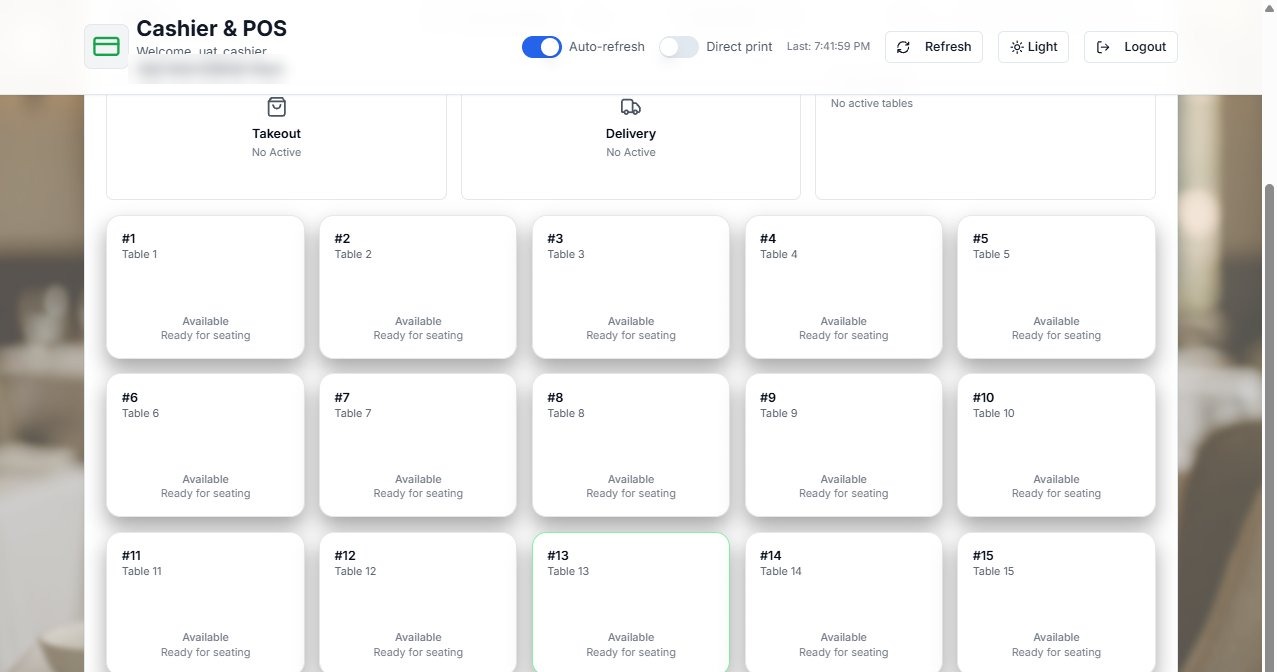
Payment Process for #1003: total, a 10% promotion, card tender. Then the receipt preview, ready to print or hand over.
Card and cash are recorded tender. There is no payment-provider integration on this page.
05 / Inventory, staff and daily records
Daily control needs more than the till.
Stock on hand, who worked when, and sales by day sit beside the order chain. The cyan path is a diagram of connected records — not a live tracking feature.
Inventory and timesheet follow as read-only TEST views. No automated recommendation is claimed.
06 / Decide and measure
Act from what was recorded.
With a baseline and the records above, the owner or manager chooses one action — reorder, roster, keep or drop a dish — then compares the result later.
Analytics shown read-only on a zero-sales TEST week. Directional only — not a published result.
07 / Start small
Begin with Online Menu — discuss the rest.
Online Menu is the simple product entry. Any tailored discovery, extra modules, or AI work is scoped separately and agreed in a written proposal — not automatic with the entry price.
Next step: turn a report into a better question — then an owner or manager decision. Planned AI is separate and labelled below.